Notion covers a lot of ground, so replacing it rarely means finding an exact copy. A team using it as an internal wiki has different needs from someone using it for databases, projects, or personal notes.
This list focuses on tools built by European companies. We checked the company behind each product, where its data is hosted, which self-hosting or offline options are available, and how much of a typical Notion setup it can realistically replace.
If company location is not important to you, our broader guide to the best Notion alternatives includes more options.
What counts as a European Notion alternative?
For this guide, we included products whose company or service operator is based in the European Union, EEA/EFTA, Switzerland, or the United Kingdom.
We did not count a product as European simply because it offers EU data hosting. Company location and data location are separate considerations, and we cover that distinction later in the guide.
Each tool also needs to replace a meaningful part of Notion. That may include document collaboration, wiki software, databases, project tracking, personal knowledge management, or internal tools.
European Notion alternatives at a glance
| Tool | Country | Best for | Main Notion overlap | Data and hosting |
|---|---|---|---|---|
| Nuclino | Germany | Team knowledge and collaborative work | Docs, wikis, projects, whiteboards | Cloud, customer data hosted in Europe |
| Anytype | Switzerland | Local-first knowledge and privacy | Docs, objects, databases, tasks | Local-first; business self-hosting available |
| Capacities | Germany | Personal knowledge management | Notes, objects, properties, queries | EU-hosted with offline access |
| Craft | United Kingdom | Writing and document-heavy work | Docs, collections, sharing, collaboration | Cloud with native offline apps |
| Zenkit Hypernotes | Germany | Connected team knowledge | Docs, wikis, links, tasks | Hosted in Germany |
| Stackfield | Germany | Secure team collaboration | Projects, tasks, docs, communication | Data stored in Germany |
| XWiki | France | Enterprise knowledge and self-hosting | Wikis, docs, structured knowledge | French cloud or on-premises |
| CryptPad | France | Encrypted collaborative work | Docs, sheets, forms, kanban, whiteboards | End-to-end encrypted and self-hostable |
| SeaTable | Germany | Databases and internal tools | Databases, views, apps, automations | German cloud or self-hosted |
| Superlist | Germany | Tasks and lightweight projects | Tasks, notes, project lists | Cloud |
How we evaluated these European Notion alternatives
Each product first had to qualify as European based on the company or service operator behind it. European data hosting alone was not enough.
The rest depended on what the product is designed to replace in Notion:
- Collaborative tools: editing, permissions, comments, and team administration
- Privacy and local-first tools: data storage, encryption, offline access, and self-hosting
- All products: importing and exporting content, ease of switching, and how much of a typical Notion setup they can cover
The list includes very different kinds of software. A personal knowledge app, database platform, and enterprise wiki each replace a different part of Notion.
10 best European alternatives to Notion
1. Nuclino
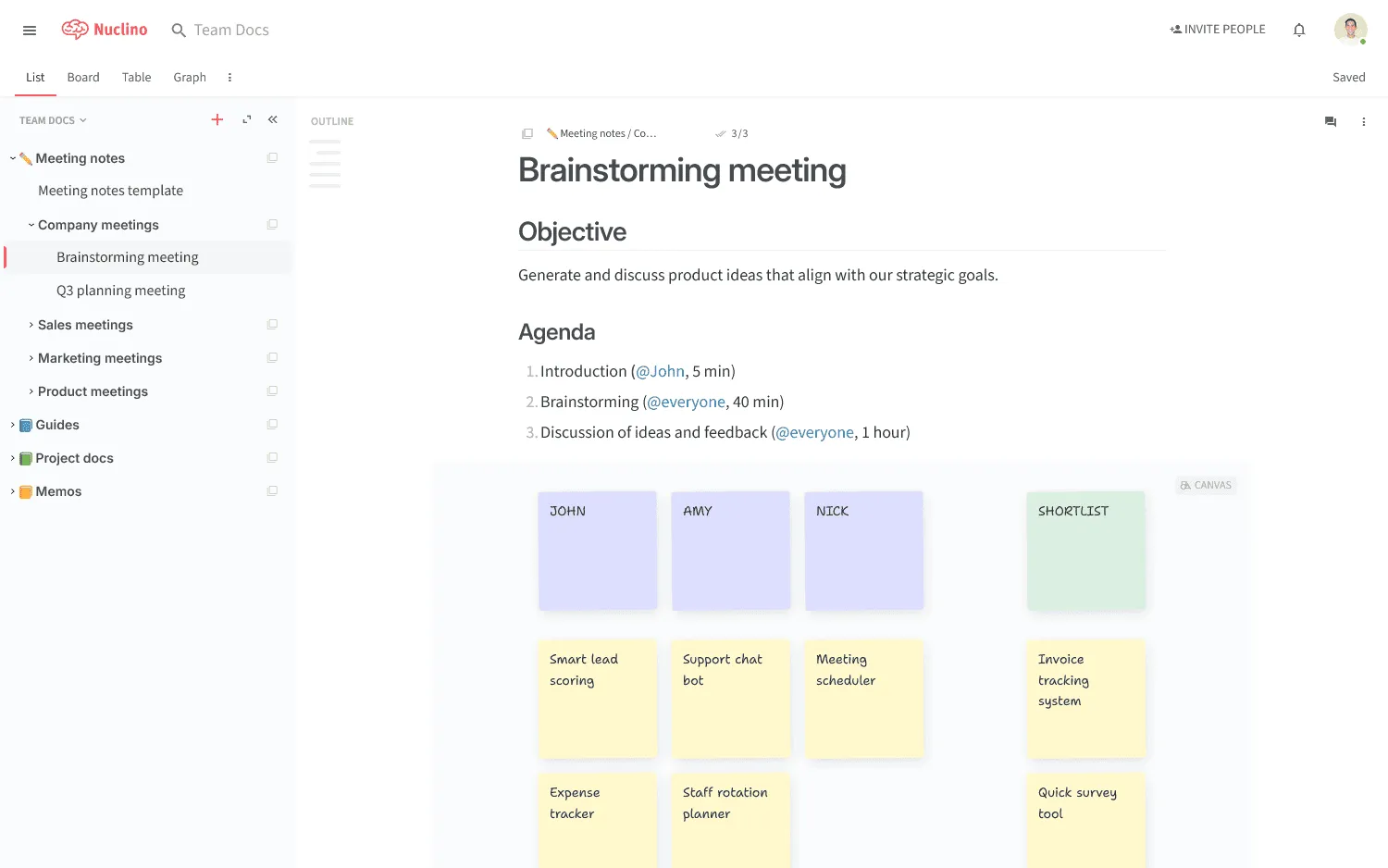
Nuclino covers many of the same jobs teams use Notion for, including documentation, internal wikis, project management, and collaborative work. Its workspace is simpler, with content organized into workspaces, collections, and items that can appear in list, board, table, or graph views.
Projects and documentation can sit together without an elaborate database setup. Canvas adds collaborative whiteboards for diagrams and brainstorming, while Sidekick can answer questions using workspace content. Nuclino's MCP server also lets compatible AI assistants search and update content according to the connected user's permissions.
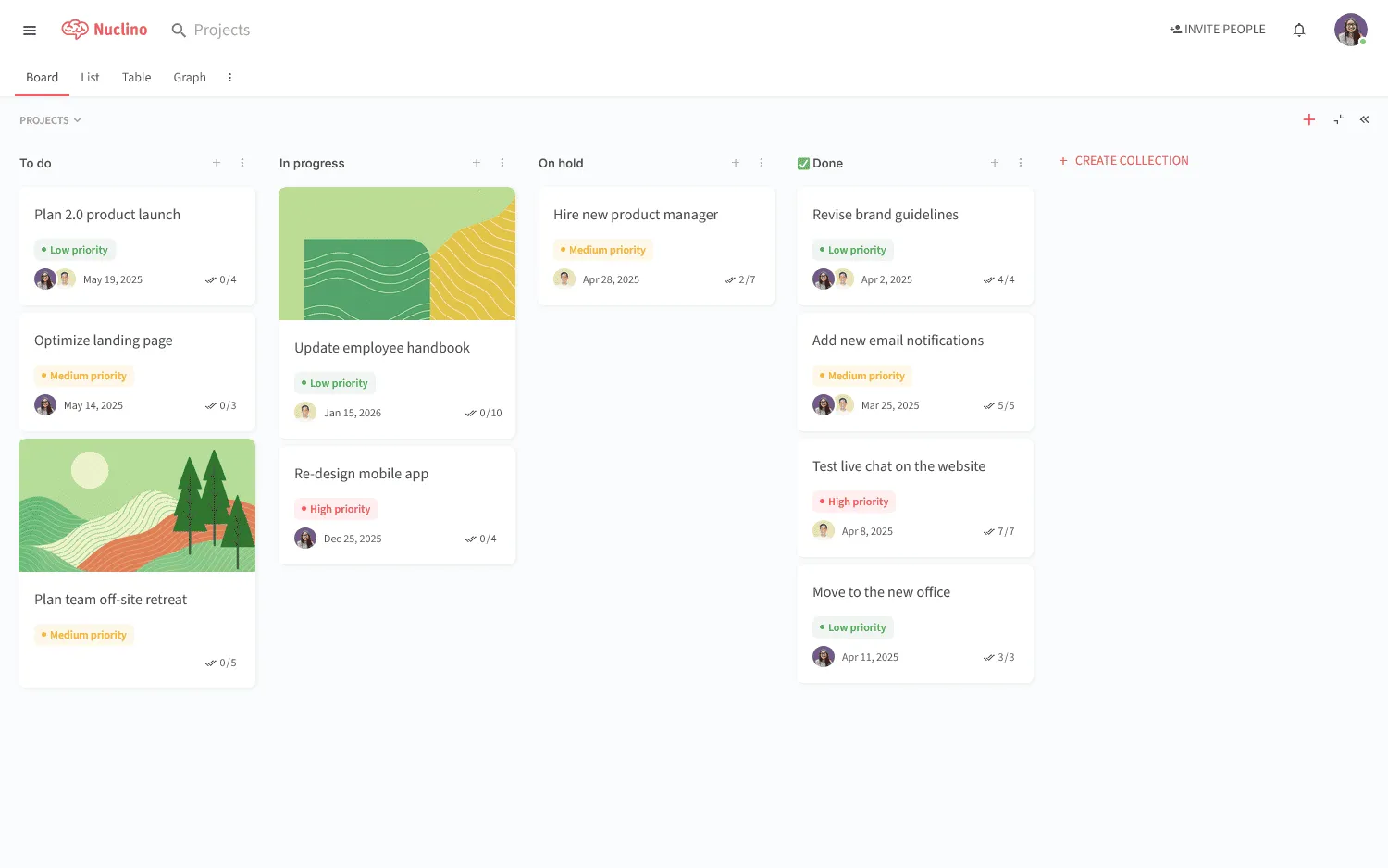
Nuclino is built by an independent company near Munich, Germany, and customer data handled by its main infrastructure providers is hosted in Europe. Some infrastructure providers are US companies, so organizations with stricter requirements around subprocessors should still review the current list.
The free plan includes up to 50 items, and paid plans start at $6 per user per month. Our Nuclino vs Notion comparison covers the differences in more detail.
2. Anytype
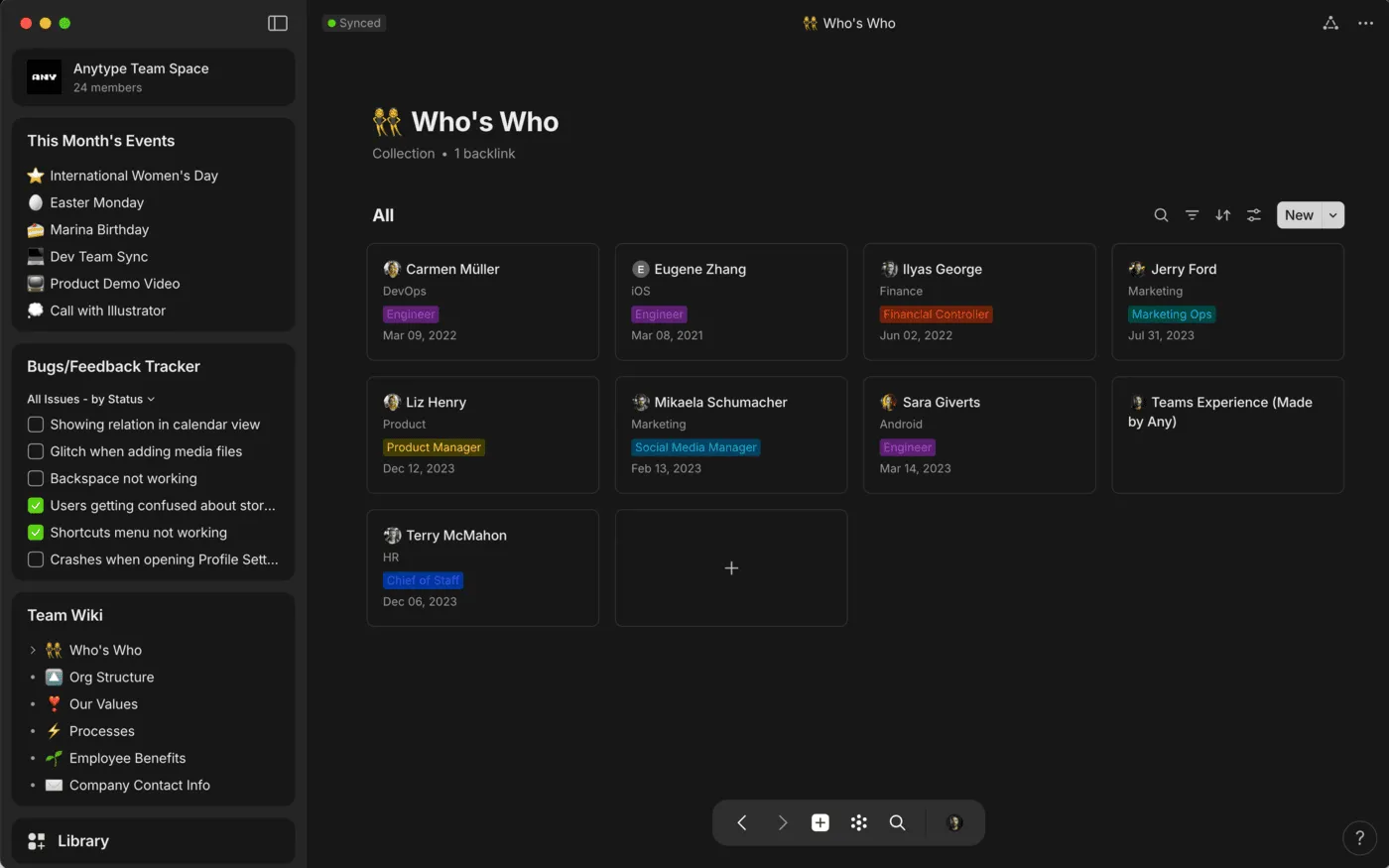
Anytype is a Swiss local-first workspace for connected knowledge. Primary data stays on your devices, the app works offline, and data is encrypted before synchronization.
Content is organized as objects. A project, person, task, note, or another type of information can have its own properties, and collections and queries bring related objects together in different ways. Anyone who has built a heavily structured Notion workspace will recognize some of the ideas, although the model takes a little time to learn.
Anytype Business adds centralized administration, SSO, and self-hosting. The object model may be more elaborate than necessary for straightforward team documentation, but it fits well with local data, offline access, and highly structured personal knowledge.
3. Capacities
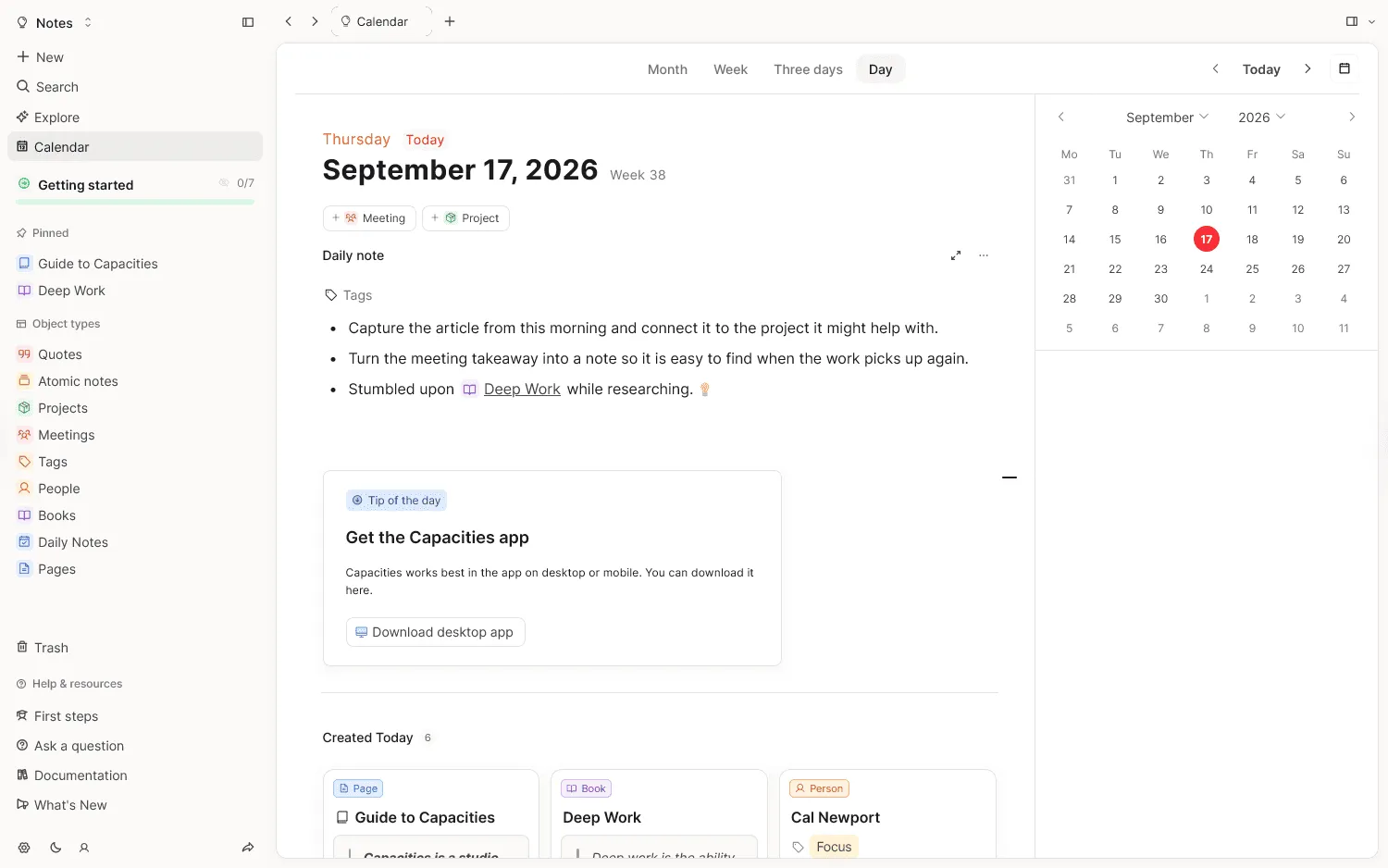
A Notion workspace used mainly for research, notes, books, people, and ideas can gradually turn into a personal knowledge system. Capacities is designed specifically around that kind of work.
Books, meetings, projects, people, and other content can each have their own object type, properties, and templates. Links and backlinks connect related information, while daily notes provide a quick place to capture something before deciding where it belongs.
Capacities comes from Capacities Labs GmbH in Freiburg, Germany. User data is stored in the EU, offline access is available, and content can be exported in formats including Markdown, CSV, Word, HTML, and LaTeX.
It is very clearly an individual product. There are no team workspaces or real-time collaborative editing, so it is a poor match for companies trying to replace a shared Notion workspace.
The core product is free, with task management, AI, calendar integrations, smart queries, and version history available in Pro.
4. Craft
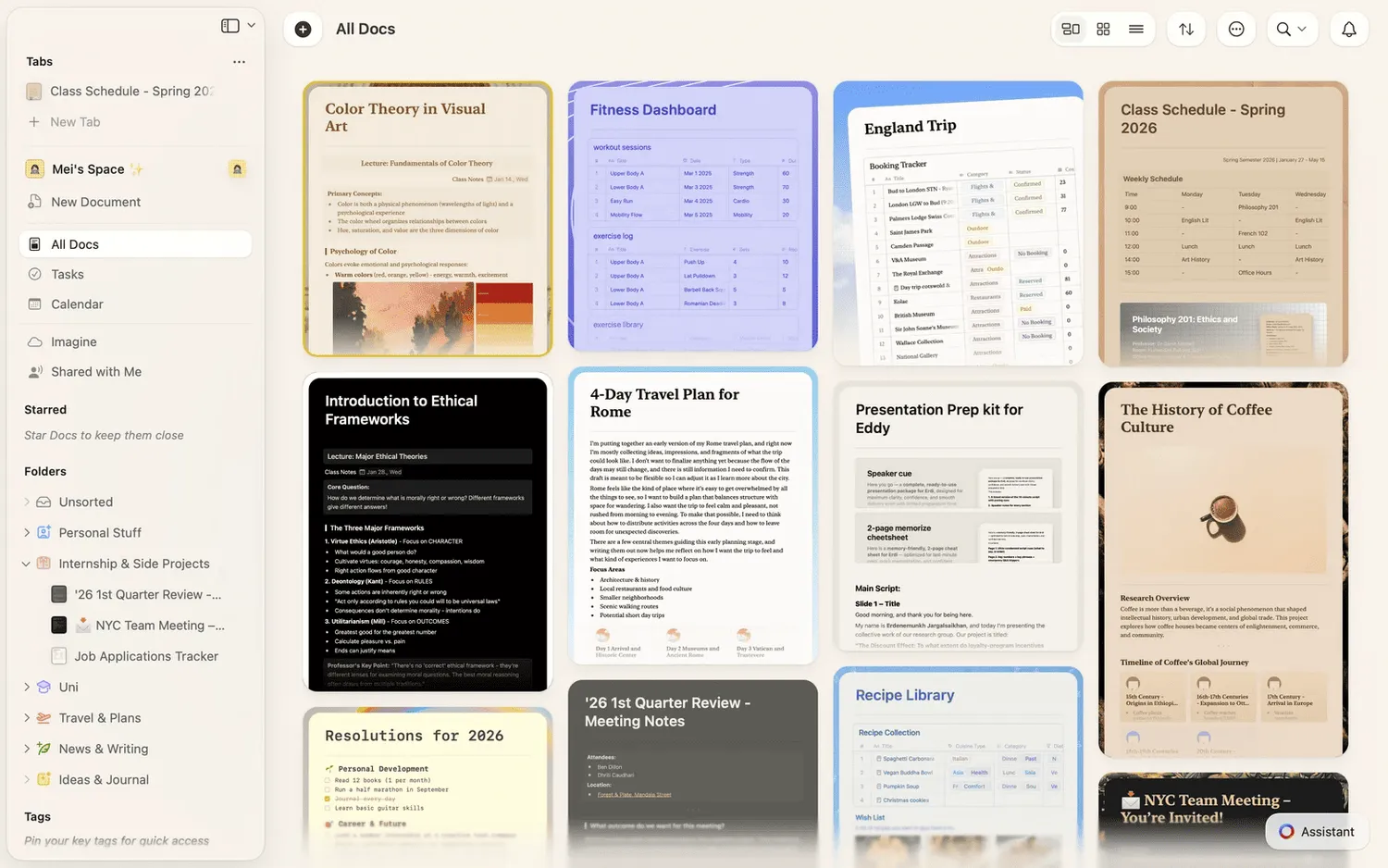
If most of your Notion workspace consists of writing, meeting notes, research, project briefs, and documents you share with other people, Craft is worth a look.
The editor is the center of the experience, with polished formatting, links, comments, sharing, collaboration, and native apps that work offline. Collections add properties, filters, sorting, and table or gallery views when a document needs more structure.
Craft does not go as far as Notion with relational databases, formulas, and complex operational workflows. Its strength is the document side of the product.
Craft Docs Limited is registered in England. That makes it a European company for the purposes of this guide, though organizations requiring an EU-based vendor will want to exclude it from their shortlist.
5. Zenkit Hypernotes
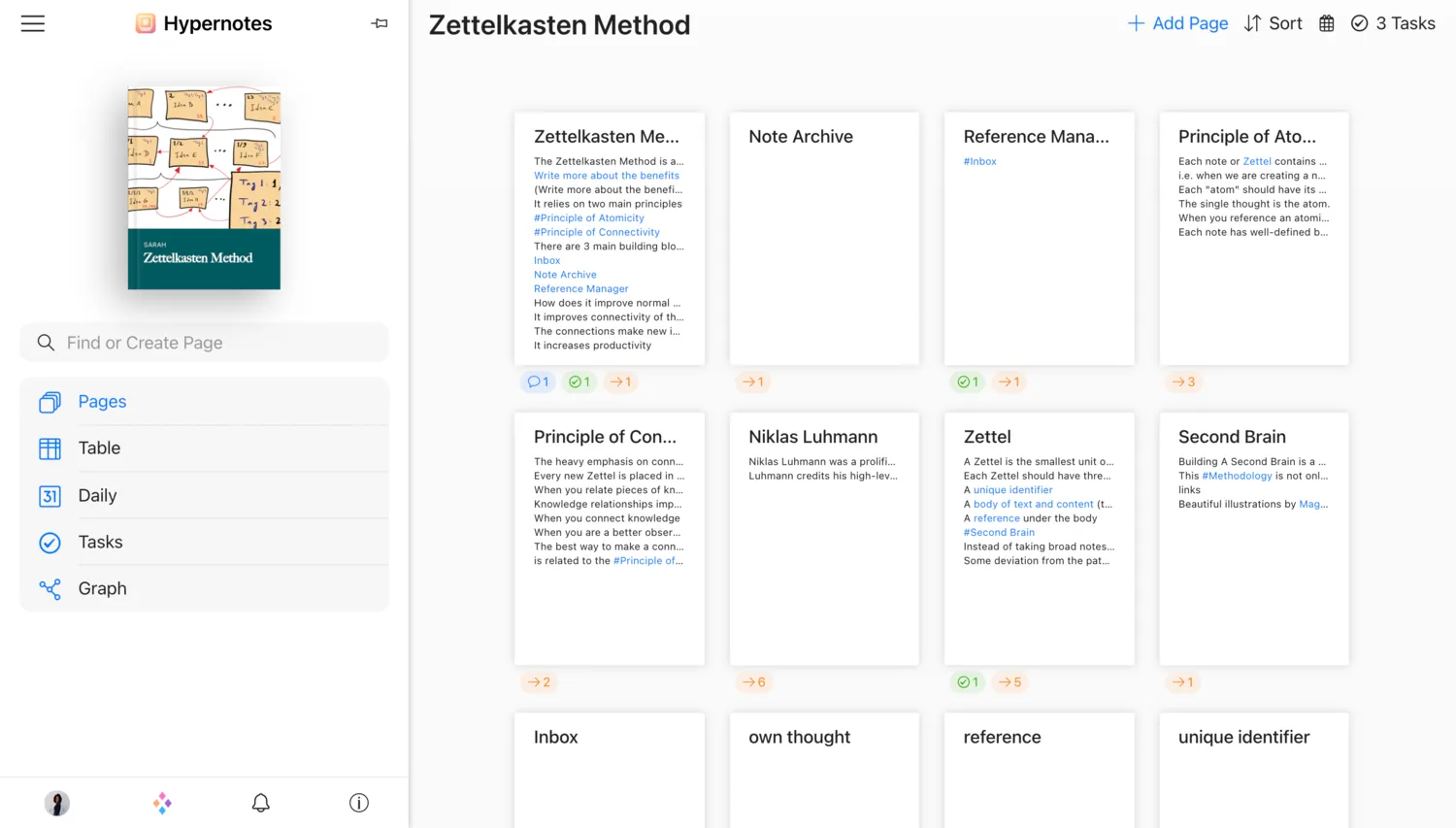
Hypernotes sits inside the wider Zenkit product family, and that connection is a big part of its appeal. Notes can contain tasks that also feed into Zenkit Base, where teams get additional project views and planning tools.
Inside Hypernotes itself, the focus is connected knowledge. It combines outlining, bidirectional links, a semantic graph, collaboration, and task management, making it useful for documentation, research, and team wikis.
The product comes from Axonic GmbH in Karlsruhe, Germany. Zenkit stores service data on AWS infrastructure in Frankfurt, with backups also kept in Germany.
People looking for deep relational databases will find Notion more flexible. Hypernotes is much more at home with linked notes and graph-based knowledge.
A free Personal plan is available, while paid plans raise the limits and add more team administration features.
6. Stackfield
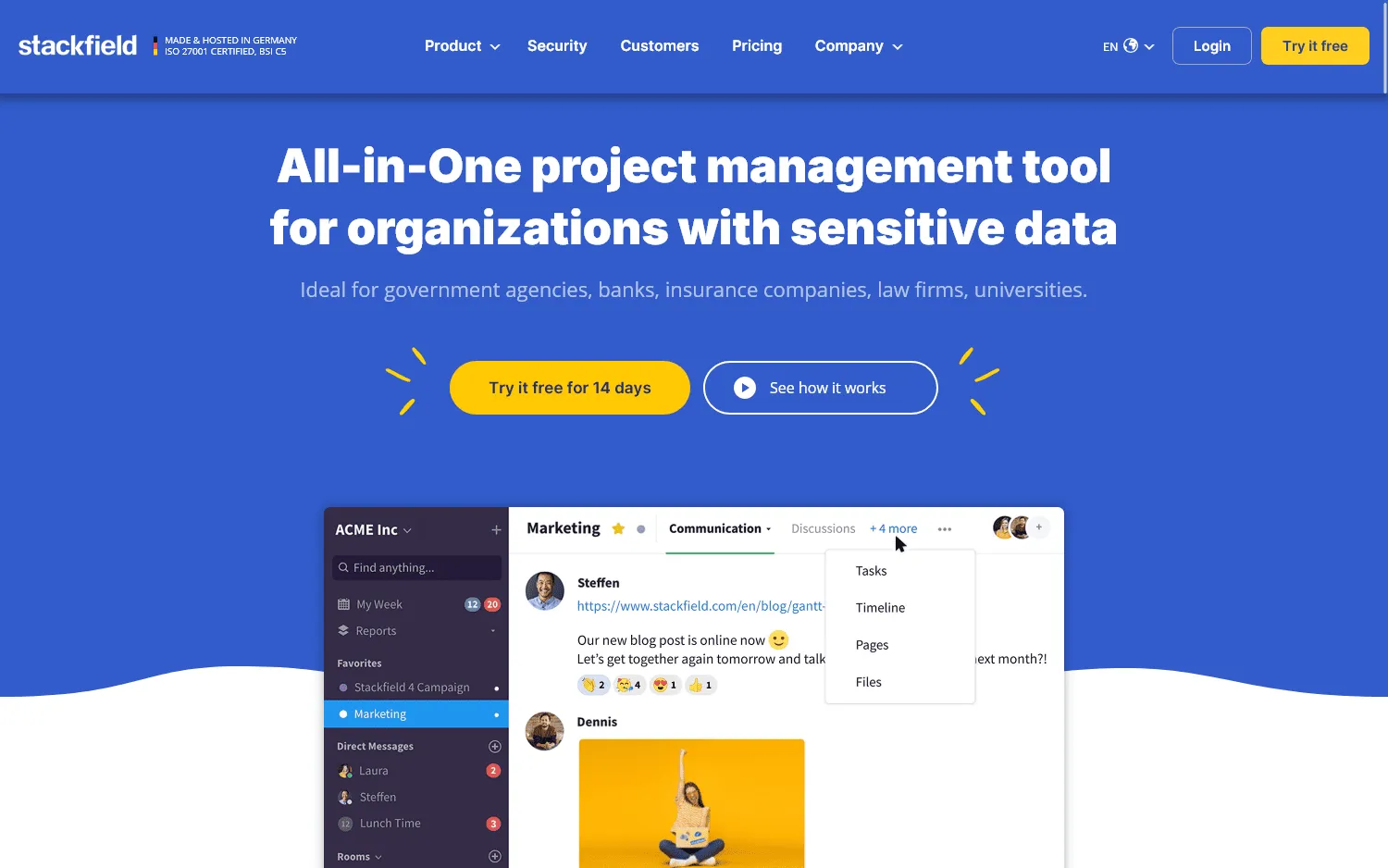
Security is one of the first things that separates Stackfield from most tools on this list. The Munich-based company stores data in German data centers, says platform processing takes place on EU servers, and uses European subcontractors for its core infrastructure. End-to-end encrypted data rooms are also available.
The product itself is aimed at business teams. Projects bring together tasks, files, meetings, collaborative pages, and team communication, so a Notion setup centered on project management and internal documentation can move a large portion of its work into the same system.
Stackfield is more structured than Notion. That can suit teams with defined projects, permissions, and processes, though people who enjoy building highly customized databases and personal systems may find it restrictive.
There is no permanent free team plan. New customers can try the product for 14 days.
7. XWiki
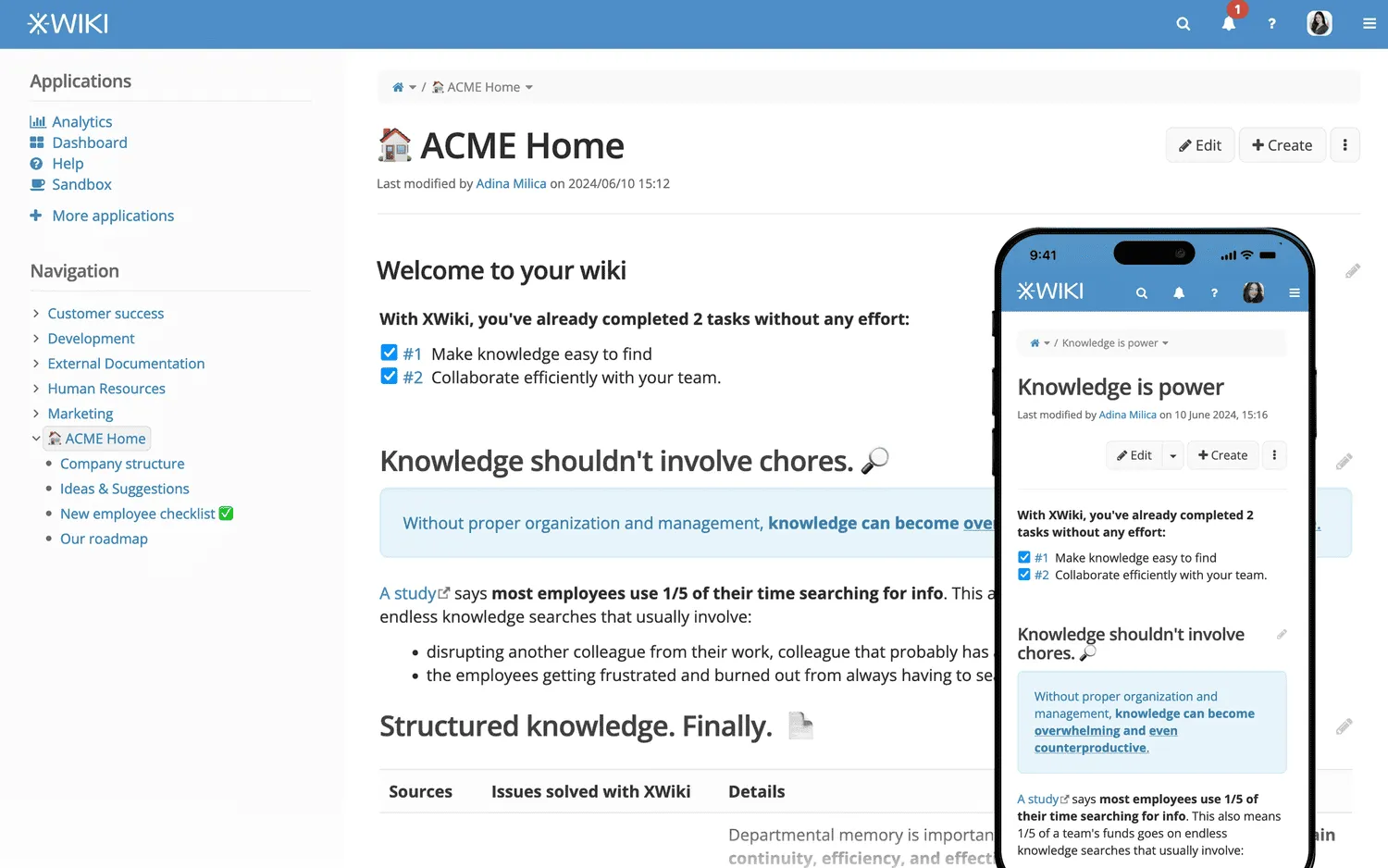
XWiki makes the most sense when the part of Notion you want to replace is an internal wiki, company wiki, documentation portal, or structured knowledge base.
It goes much further into wiki administration than the lighter collaboration tools in this comparison. Content can include structured data, applications, extensions, detailed access rules, and custom workflows. The Community edition is open source and can run on your own infrastructure, while XWiki also offers professional on-premises packages and a cloud service hosted on OVH infrastructure in France.
The company behind it, XWiki SAS, is French and has been developing the platform since 2004.
There is more setup and administration involved. Organizations that already need self-hosting, extensibility, or the access controls covered in our enterprise wiki guide may consider that worthwhile.
8. CryptPad
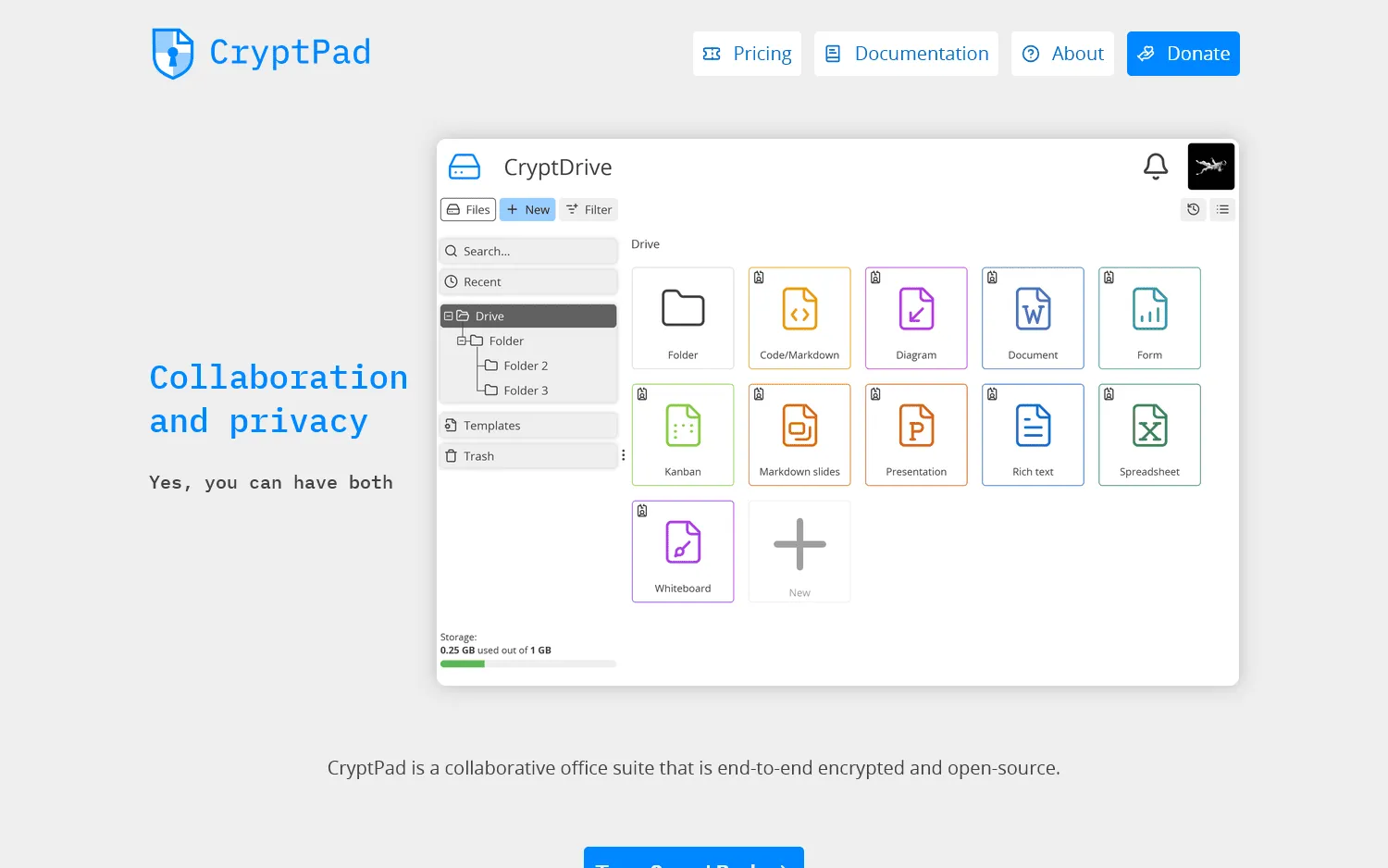
CryptPad is built around encrypted collaboration. Document content is encrypted in the browser before it reaches the server, and CryptPad describes the architecture as zero-knowledge.
The suite includes collaborative documents, spreadsheets, presentations, forms, kanban boards, whiteboards, calendars, and shared team spaces. It can cover quite a few document collaboration workflows while keeping the underlying content encrypted.
CryptPad is developed by XWiki SAS in Paris. Its main public instance runs in France, and organizations can also host the software themselves.
Its workspace structure differs considerably from Notion's nested content and relational databases. Moving an existing Notion setup may therefore require reorganizing some of the content.
9. SeaTable
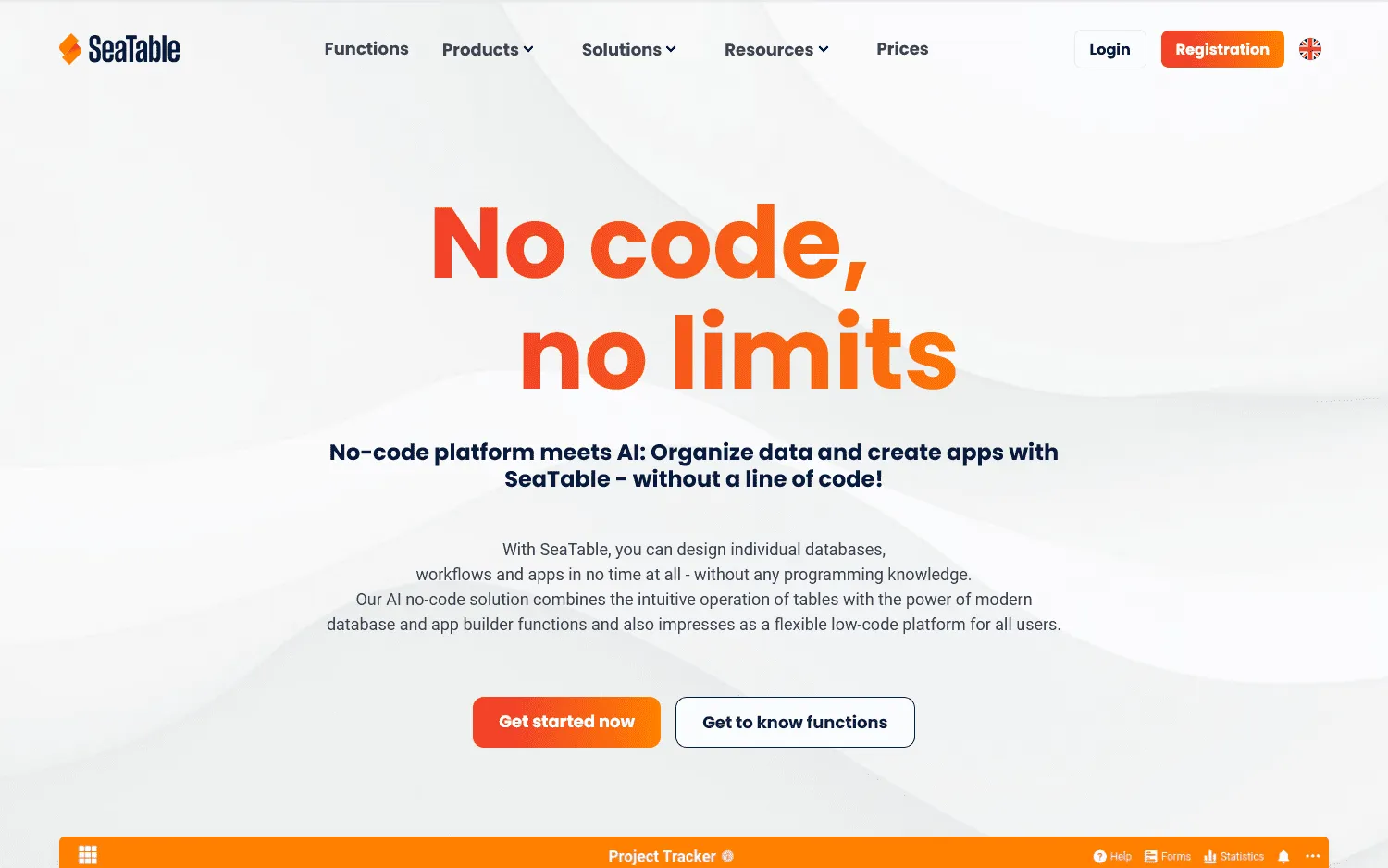
SeaTable focuses on the database side of Notion, with relational tables, multiple views, applications, and automation. A base can contain several related tables, with kanban, calendar, timeline, gallery, map, and form views. Applications, automations, scripts, and APIs give you considerably more room to build operational workflows around that data.
CRM systems, asset tracking, and other structured processes fit naturally here. It is not designed to replace a company wiki or long-form documentation system.
The company is German, SeaTable Cloud runs in a Frankfurt data center, and SeaTable Server can run on your own infrastructure.
A free cloud plan supports up to 25 users. Paid cloud plans start at €7 per user per month with annual billing.
10. Superlist
Some teams do not need another all-purpose workspace at all. They mainly need a cleaner way to manage the tasks and projects that have accumulated in Notion.
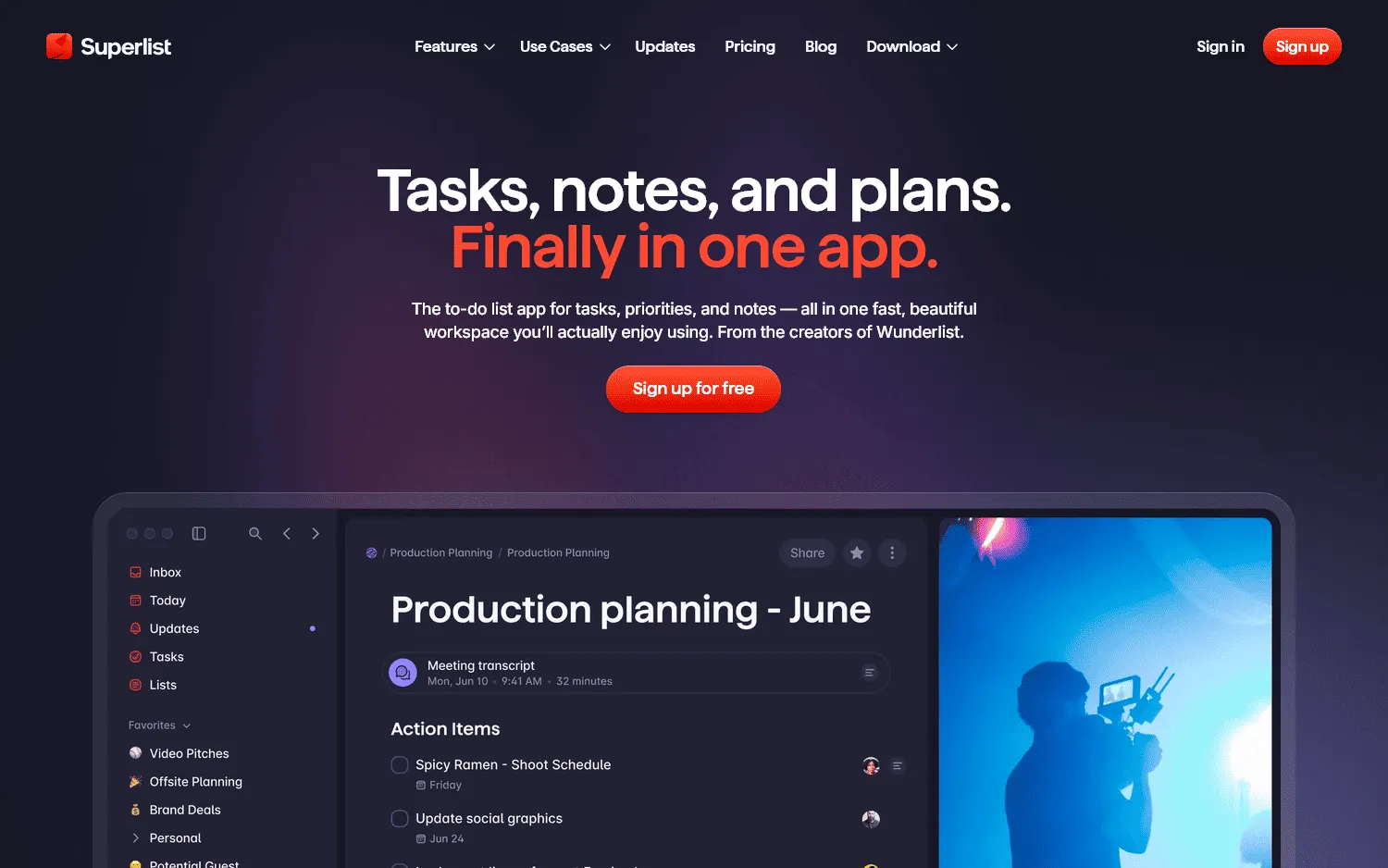
Superlist takes that narrower approach. Lists can combine rich notes with tasks, subtasks, files, and assignments, and related lists can be grouped into larger projects. Messages keep project conversations close to the work itself.
AI features also cover meetings, task extraction, and assisted list creation.
You will not find Notion-style relational databases or a full company wiki here. Superlist is much more focused on getting work organized and moving.
The product is made by Superlist Software GmbH in Berlin. Its free plan includes unlimited tasks and notes with limits on lists and collaborators, while paid plans raise those limits and add integrations and AI features.
How to choose a European alternative to Notion
Start with the part of Notion that you would miss most.
| Your priority | Tools to consider |
|---|---|
| Team docs, wikis, projects, and whiteboards | Nuclino |
| Local-first knowledge and greater data control | Anytype |
| Personal knowledge management | Capacities, Anytype |
| Writing and document-heavy work | Craft, Nuclino |
| Linked team knowledge | Zenkit Hypernotes, Nuclino |
| Secure business collaboration | Stackfield |
| Self-hosted enterprise knowledge | XWiki |
| Encrypted collaborative documents | CryptPad |
| Databases and internal applications | SeaTable |
| Tasks and lightweight project management | Superlist |
If you currently use several parts of Notion, test your shortlist with real content before committing.
Import a few documents, recreate one project, build a representative database, and invite the people who will use the system every day. You will learn quickly which parts of your existing setup transfer cleanly and where you may need to change the way you organize your work.
European company vs. European data hosting
These two ideas often get mixed together.
A European company has its legal entity or service operator in Europe. That affects the jurisdiction governing the company and its contracts.
European data hosting describes where the infrastructure stores or processes your data. A US company can offer European hosting, while a European company can rely on infrastructure supplied by an American cloud provider.
If data sovereignty matters to your organization, check the whole setup:
- The legal entity you contract with
- The country where customer data is stored
- The companies providing the underlying infrastructure
- Subprocessors that may receive customer data
- Encryption and key management
- Import and export options
- Self-hosting or on-premises deployment
- The way AI providers process workspace content
A "European alternative" label alone does not answer all of those questions.
FAQ
Is Notion a European company?
No. Notion is operated by Notion Labs, Inc., which is based in San Francisco, California. That does not prevent European organizations from using Notion, but companies with requirements around vendor jurisdiction or data sovereignty may want to compare European providers.
Which European alternative is closest to Notion?
It depends on the part of Notion you use. Nuclino covers team docs, wikis, projects, and visual collaboration. Anytype is closer to Notion's combination of connected content and structured properties, with a local-first architecture. SeaTable is worth considering if databases and internal applications are the main reason you use Notion.
No product in this list reproduces every part of Notion in exactly the same way.
What are the best EU-based Notion alternatives?
The EU-based companies in this comparison include Nuclino, Capacities, Zenkit, Stackfield, XWiki, CryptPad, SeaTable, and Superlist. Anytype is based in Switzerland, while Craft's company is registered in the United Kingdom.
Which European Notion alternatives can be self-hosted?
XWiki, CryptPad, and SeaTable all support self-hosted deployments. Anytype also offers self-hosting for its Business product. Its local-first architecture already keeps primary workspace data on user devices.
Are European Notion alternatives more private?
Company location alone does not tell you how private a product is. Look at its hosting providers, subprocessors, encryption model, data residency, export options, AI processing, and self-hosting support. Products such as Anytype and CryptPad build privacy deeply into their architecture, while other European tools use conventional cloud infrastructure with European data locations.
What is the best European Notion alternative for personal use?
Capacities is built specifically for individuals and works well for connected notes, research, writing, and personal knowledge. Anytype is another option if local-first storage and control over your data matter more. Craft is worth considering if writing and polished documents make up most of your workflow.
What is the best European Notion alternative for teams?
Nuclino covers a similar mix of team documentation, wikis, projects, and collaborative work with less setup. Teams with stricter security requirements may also want to look at Stackfield, while organizations that want an open-source or self-hosted knowledge platform can consider XWiki.